



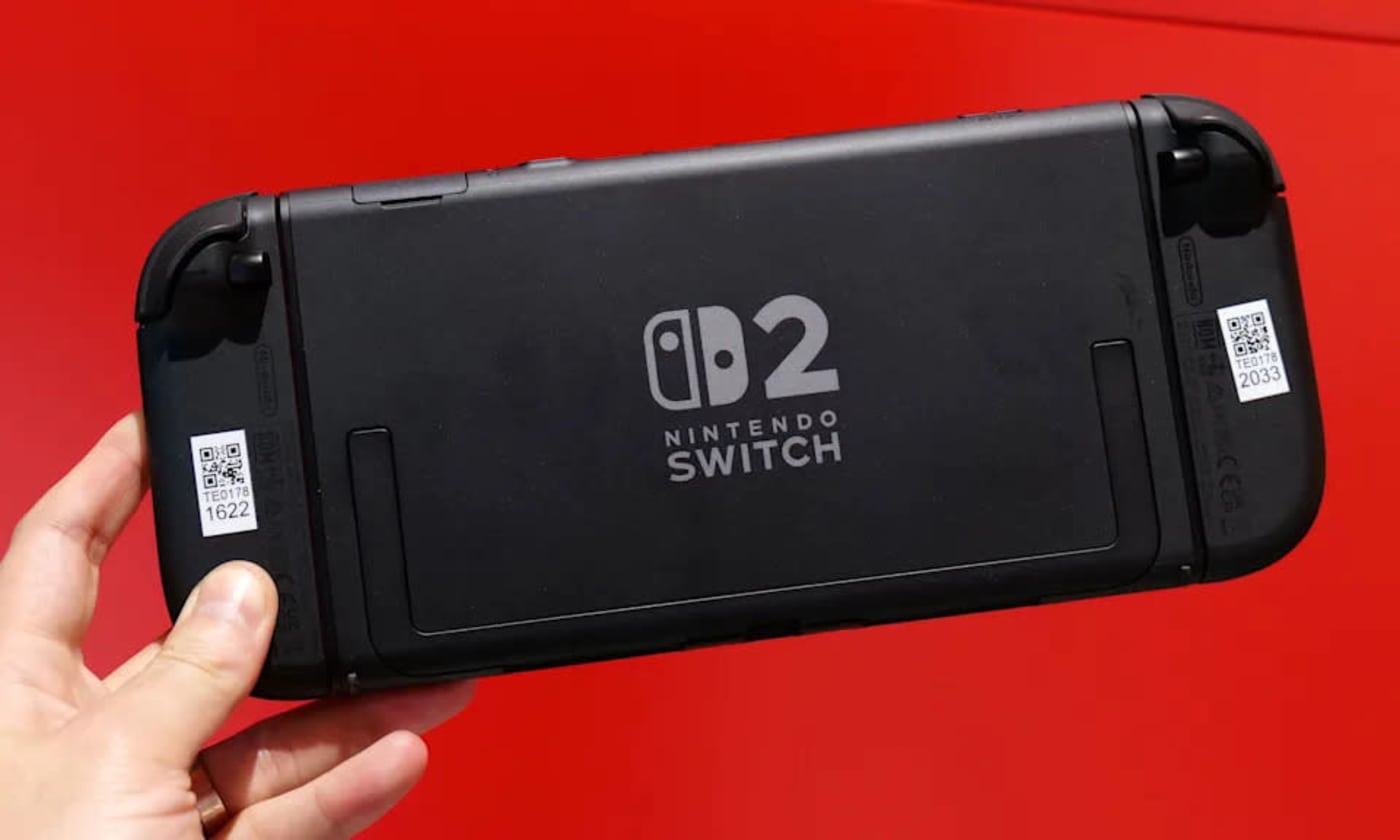
TLDR: Nintendo simplifies the game transfer process to the new Switch 2, requiring an active eShop account and backup of save data via Nintendo Switch Online. Players can then connect both consoles to the same Wi-Fi and follow prompts to transfer games and progress seamlessly.
Nintendo has made it easier for gamers to transition their favorite titles to the new Nintendo Switch 2, ensuring that players can continue their gaming experiences without losing their progress. This guide breaks down the steps necessary for a seamless game transfer, making the process straightforward and user-friendly.
The first step for players is to ensure that they have an active Nintendo eShop account, as this is crucial for accessing digital games and content. Users need to be logged into their account on both the original Nintendo Switch and the new device. This will allow for easy syncing of purchased games and any saved data associated with them.
Next, players should back up their save data. This is vital, as it prevents loss of game progress during the transfer. The Nintendo Switch Online subscription service provides a cloud saving feature, which is highly recommended for users to utilize. By enabling this feature, players can ensure that their save files are securely stored online, ready to be downloaded on the new console.
Once the save data is backed up, players can begin the transfer process. This involves connecting both consoles to the same Wi-Fi network and following the on-screen prompts to transfer the games and save data. The Nintendo system will guide users through each step, making the process intuitive. It is essential to remain patient during this phase, as transferring data may take some time depending on the size of the game library.
After the transfer is complete, players can access their games on the new Nintendo Switch 2. They will find their library intact, along with all the saved progress they had on their previous console. This ensures that gamers can pick up right where they left off, enjoying their favorite titles without any interruptions.
In summary, transferring games to the Nintendo Switch 2 is a straightforward process. By ensuring an active eShop account, backing up save data, and following the transfer steps, players can enjoy a smooth transition to the new console while retaining their beloved gaming experiences.
Please consider supporting this site, it would mean a lot to us!
